
Every call, voicemail, fax and chat, answered and sent to the right person.
AIVA answers first, understands what each patient needs, and routes it: a transfer, a task or a voicemail by priority. Your numbers, desk phones and EHR stay the same.
Every channel, one front door.
Every channel your patients use, handled by the same AIVA, with the same rules, in one place.
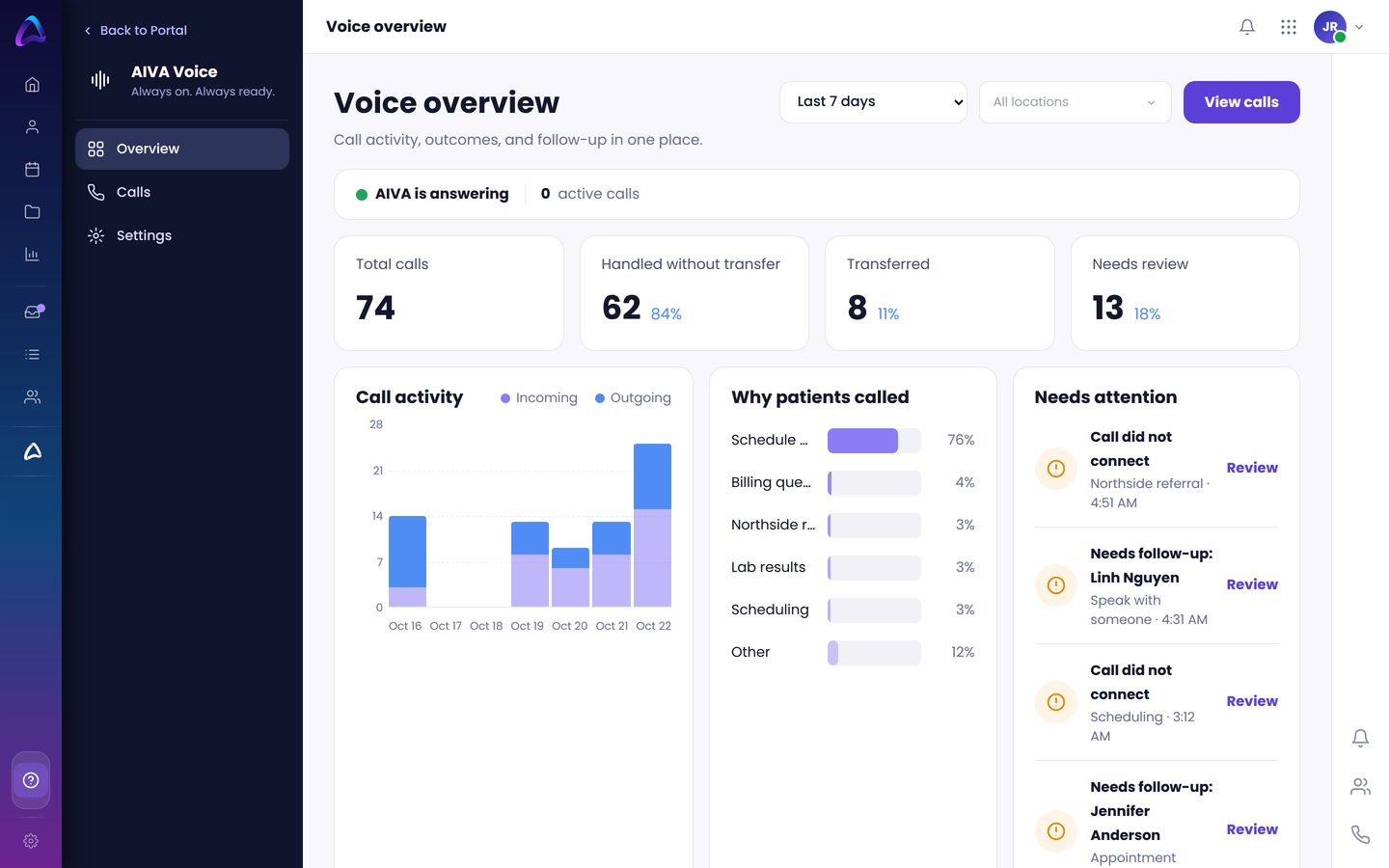
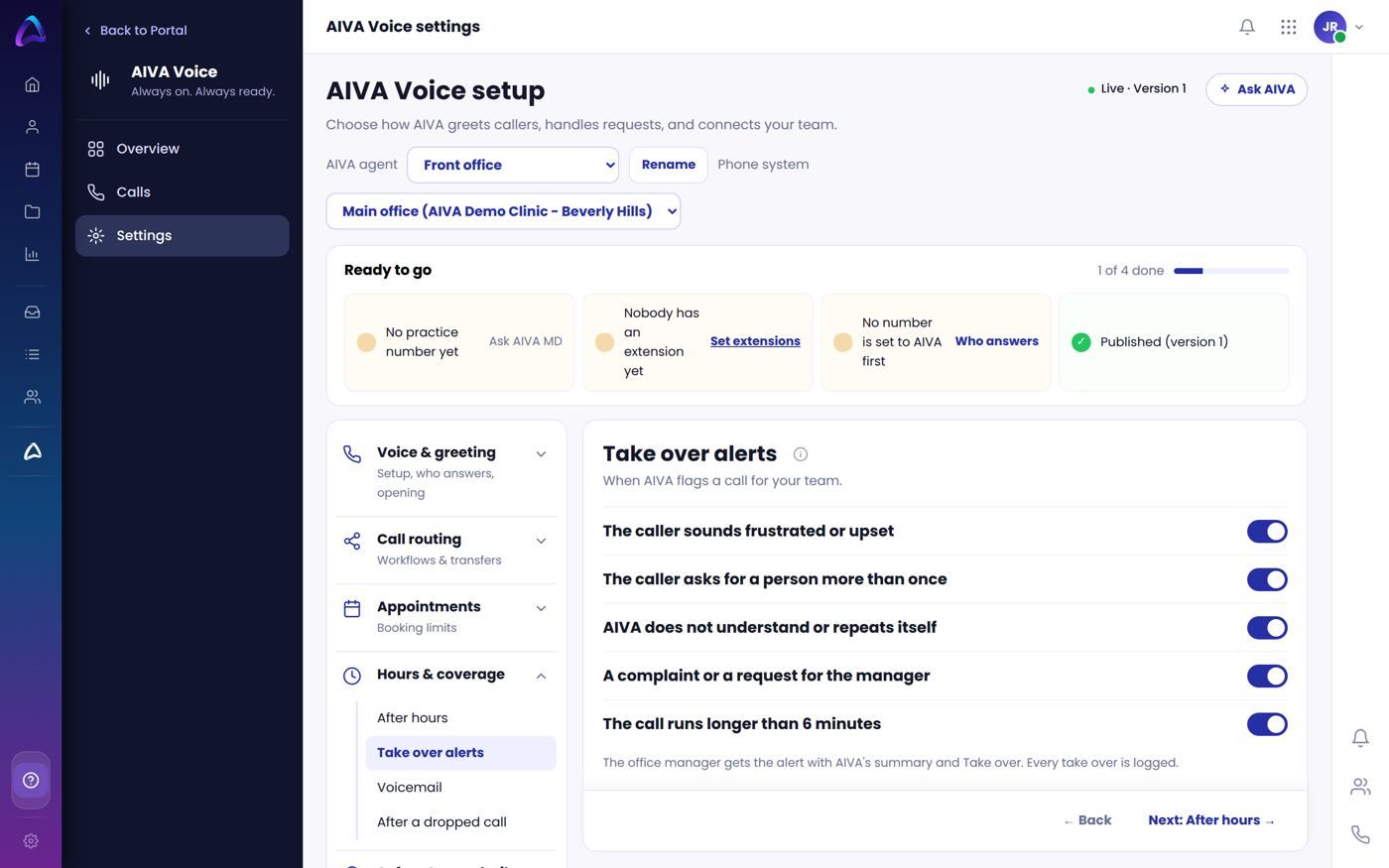
Voice
Your AI receptionist, day and night.
- Answers right away and says it is a virtual assistant
- Transfers by name, extension or what the caller needs
- Turns requests like refills into tasks
Voicemail
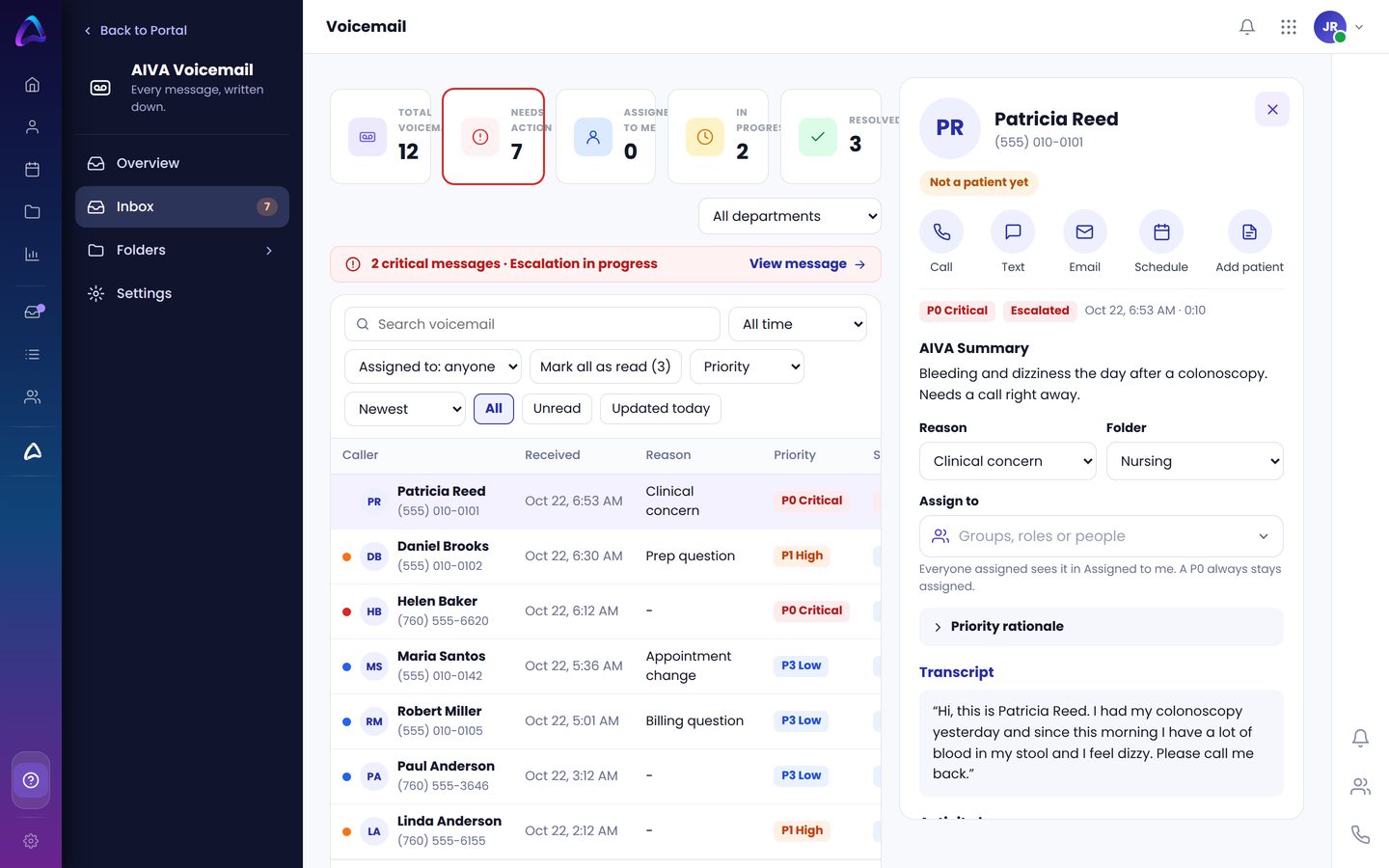
One shared voicemail, sorted by priority.
- Transcript, summary and recording for every message
- P0 to P4 priorities, with alerts for urgent ones
- Routed by role, so nothing waits on one person
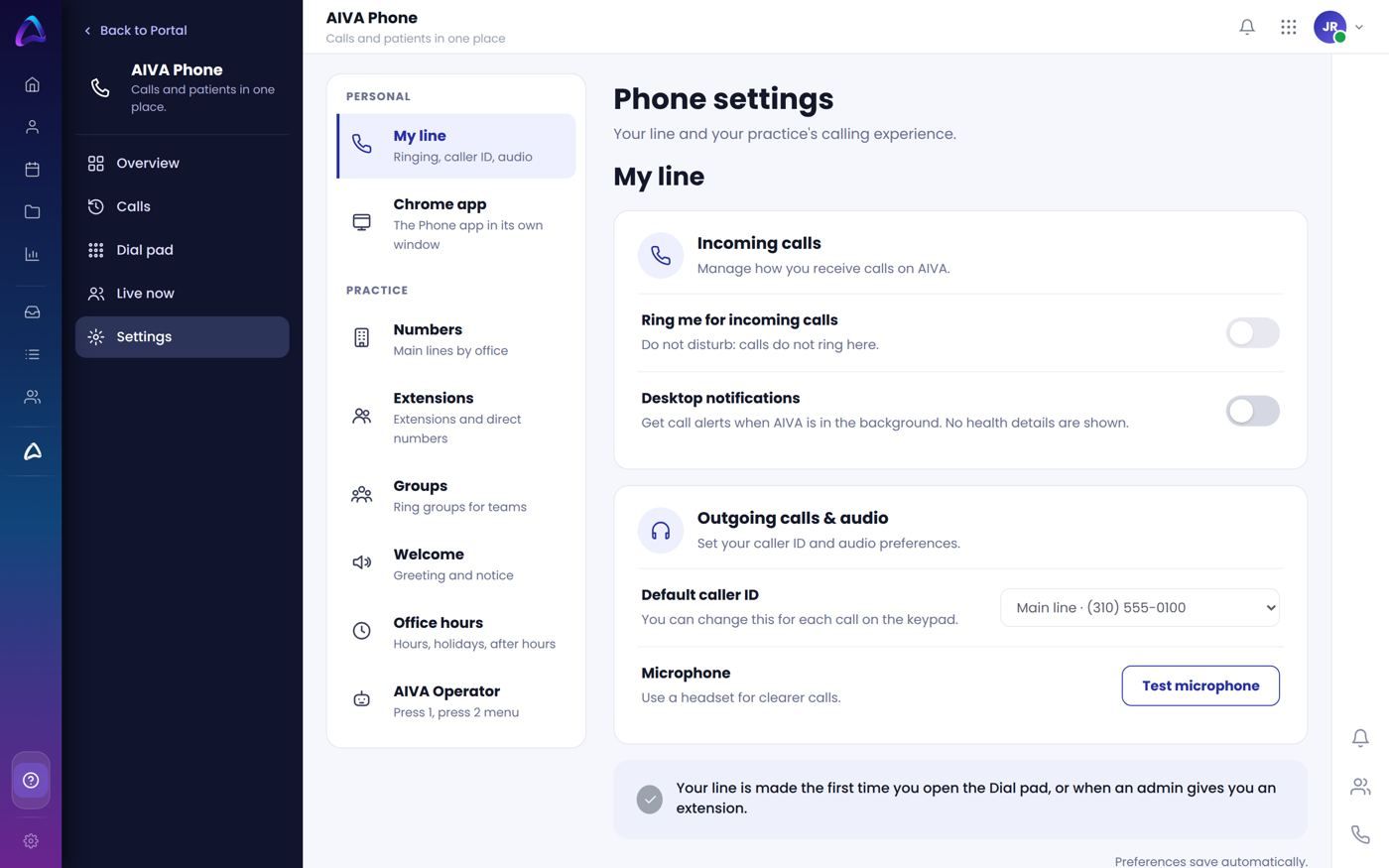
Phone
A browser and desk phone for your staff.
- Extensions, groups and warm transfers
- Works with the desk phones you already have
- Call and text patients right from the chart
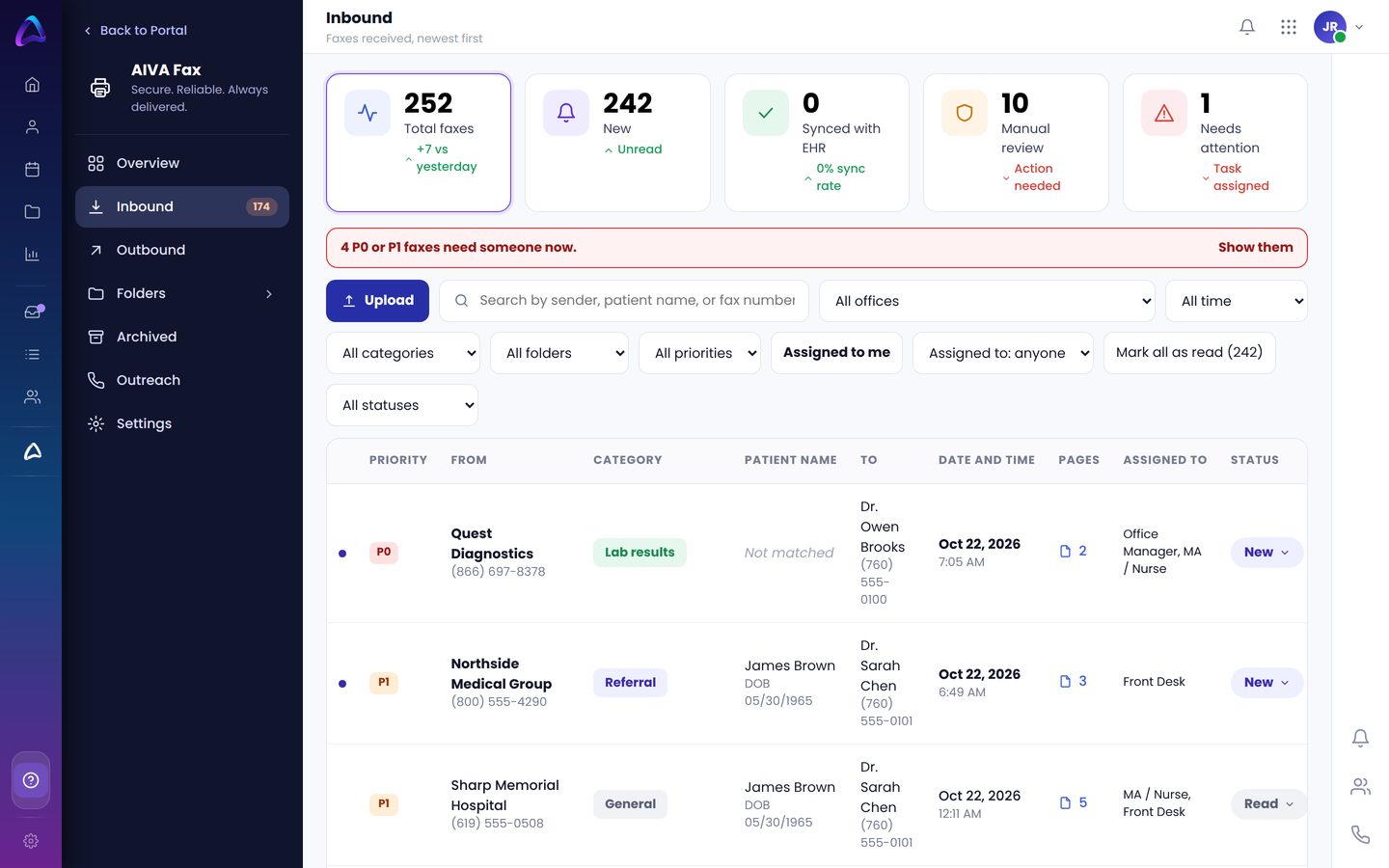
Fax
Faxes read, sorted and filed.
- Matched to the right patient chart
- Referrals, records and results sorted by type
- Send and receive by email, too
Priority Connect
Urgent cases reach the on-call provider.
- After-hours escalation to the right person
- Keeps escalating until someone responds
- Always breaks through Do not disturb
Chat
AIVA on your website.
- Answers common questions any time
- Hands off to staff with the full conversation
- Same rules and tone as your phone line
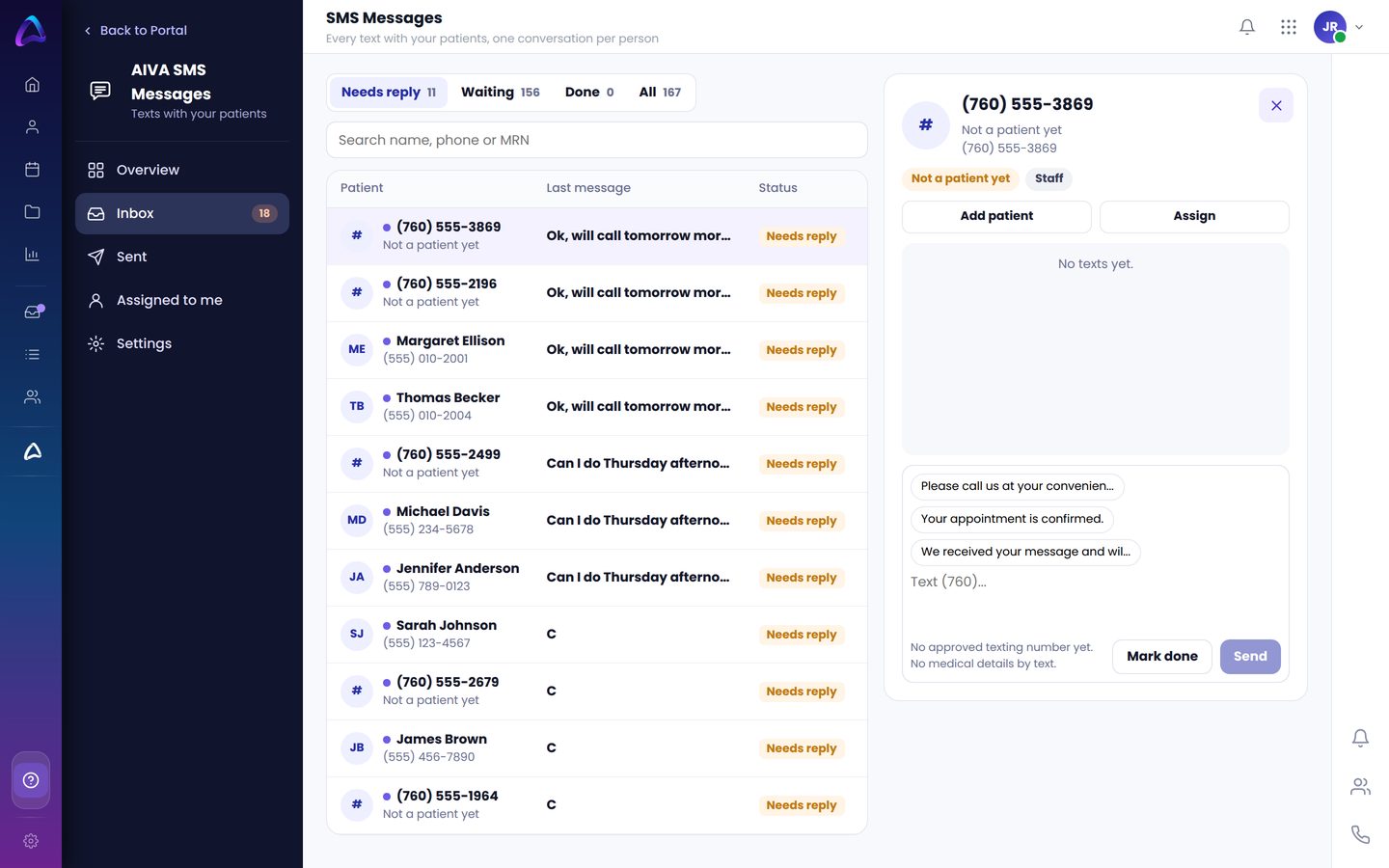
SMS Messages
Two-way texting with patients.
- Texts from your practice number
- AIVA answers simple questions and flags the rest
- Every text saved to the patient chart
What your team sees.
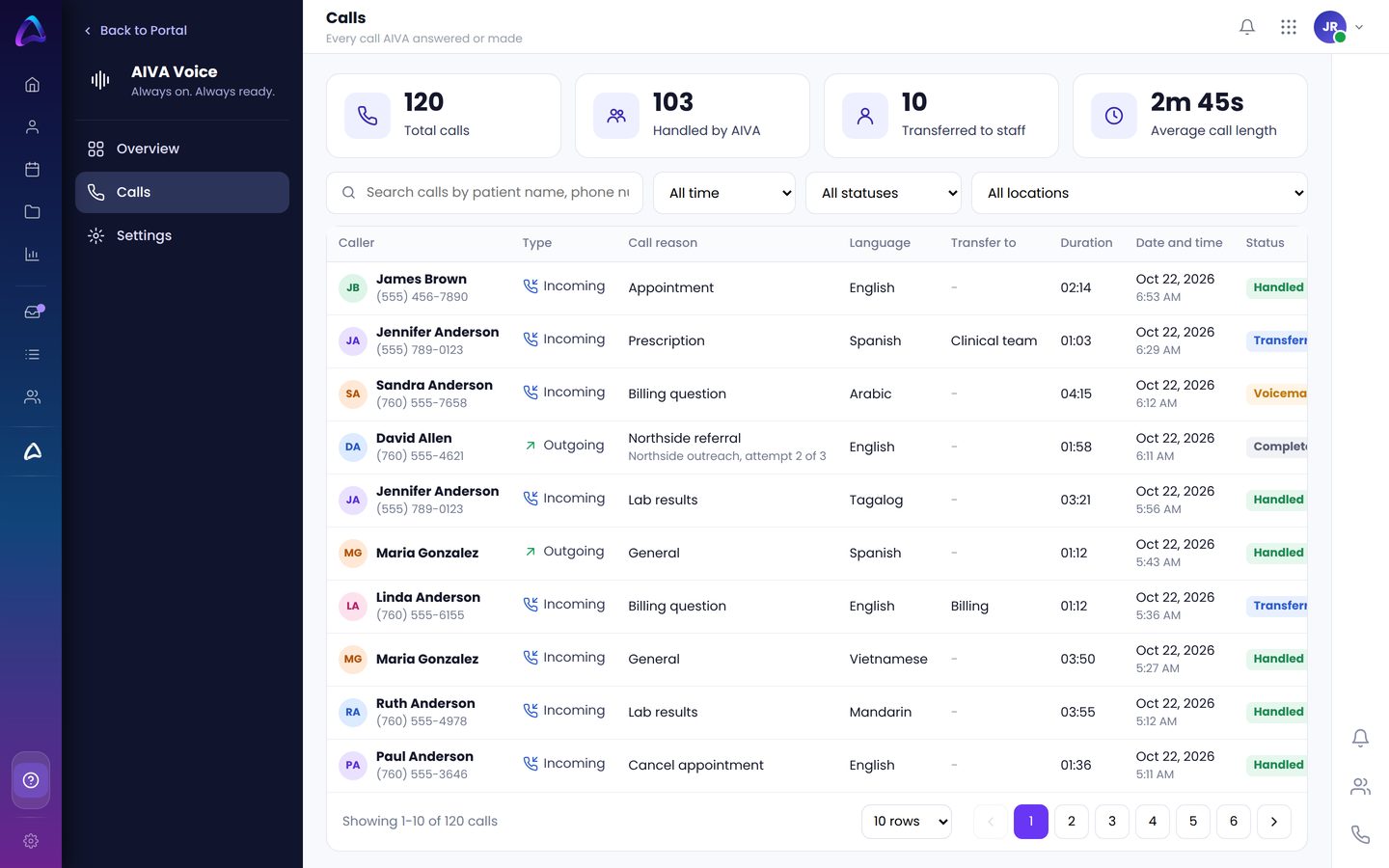
Real screens from AIVA, shown with sample patients.
How a call flows.
Every call follows the same path. Pick what the caller says and watch where it goes.
Voicemail, sorted by priority.
One shared voicemail for the practice, routed by role. Urgent messages come first with an alert, and every message gets closed when it is handled, so you know every patient got a callback.
A post-op call at 8:05 AM.
AIVA answers
A patient calls the day after knee surgery. AIVA picks up right away.
Flags it urgent
"My bandage is bleeding." AIVA flags it urgent and transfers to the MAs.
Urgent voicemail
The MA is with a patient. AIVA takes an urgent voicemail and sends an alert.
MA calls back
With the call summary and recording in hand.
Urgent calls reach the right person, first time.
What stays the same.
AIVA changes who picks up first. Everything your team relies on stays put.
Hear AIVA answer your practice's calls.
Book a 30-minute demo. We will show AIVA handling the calls, voicemails and faxes your team gets every day.